Your reports
Your 30-day plan
How the plan is made and how to use it each week.
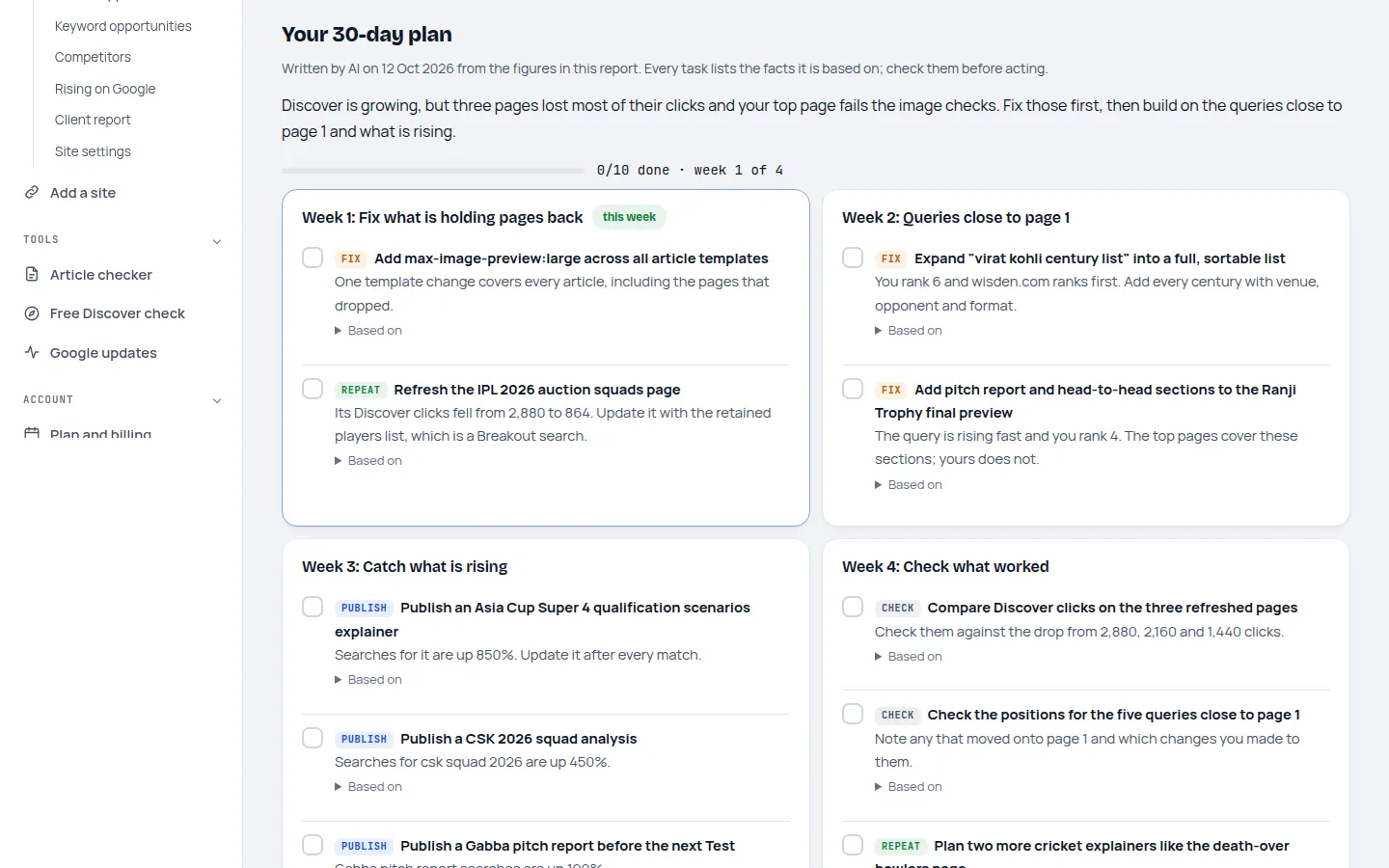
Your 30-day plan is four weeks of specific tasks for one site, written from the figures in your report. It turns the diagnosis into a to-do list.
How the plan is made
- A new plan is written automatically once a month for each site.
- It uses your Discover situation, your top and falling pages, search opportunities, competitors, keyword gaps and your site type (news or blog).
- It's written with AI, then checked: every task must cite your own figures, and any task with a number or a site that isn't in them is removed.
- You can rebuild it yourself, for example after big changes: 4 times a month on Publisher and Bundle, 10 on Agency.
Using it each week
- Start with this weekThe Overview shows the current week. Each task says what to do and why.
- Tick tasks offClick the box when a task is done. Your progress is saved, and Agency client reports show it.
- Check the resultTasks marked Check tell you what to look at in a week or two to see whether a change worked.
- Tell us if it helpedRate the plan as useful or not at the end. Only we see it, and it improves the next plans.
A plan is guidance, not a promise: Google decides what Discover shows. See the disclaimer.
Last updated 24 October 2026